お任せ · LATEST RELEASE
LEAVE IT
TO US.
otakase finds the episode, plays it in mpv, skips the opening and keeps AniList or MyAnimeList in sync. Free and open source.
DOWNLOAD →Plays in mpv
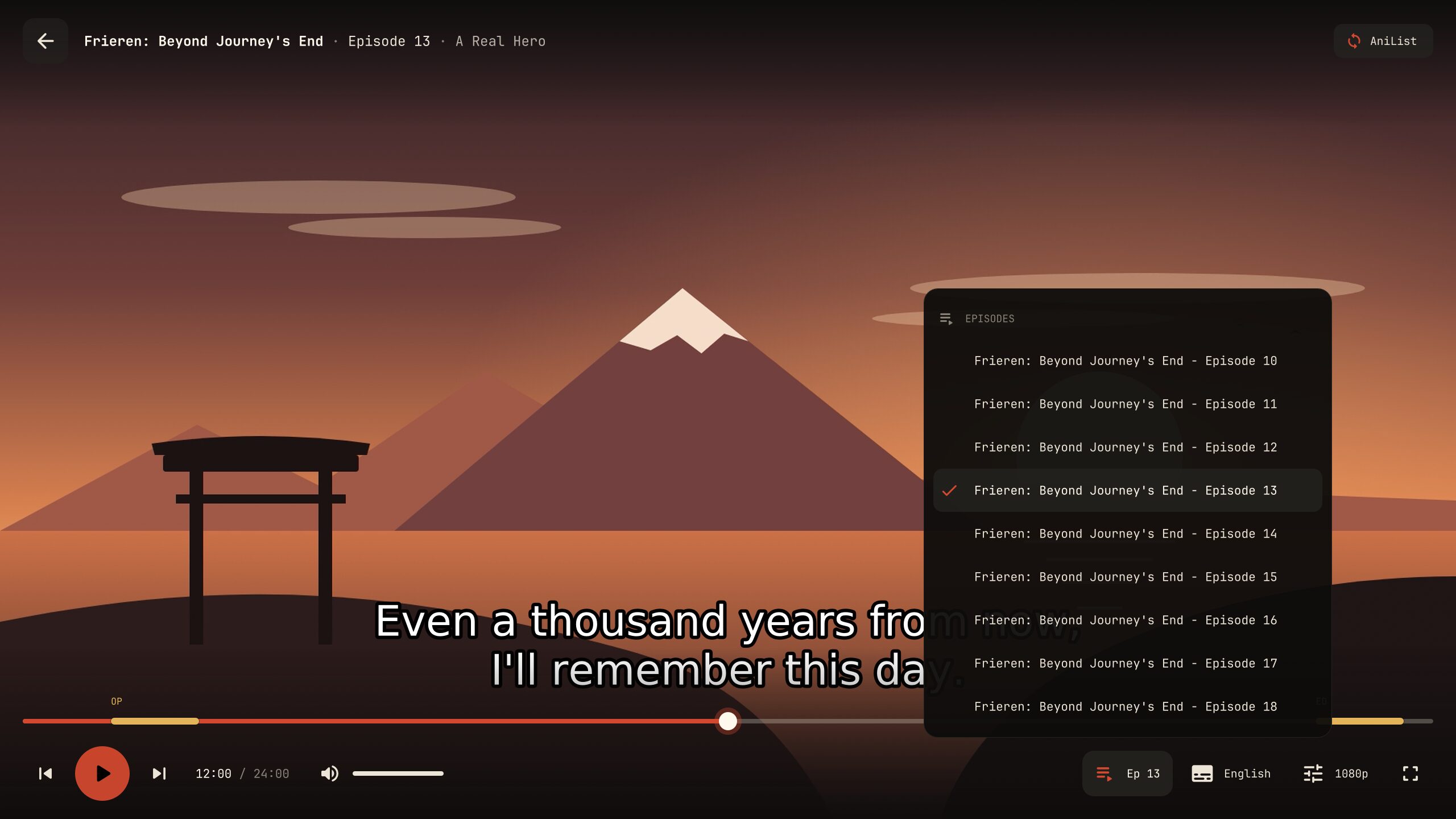
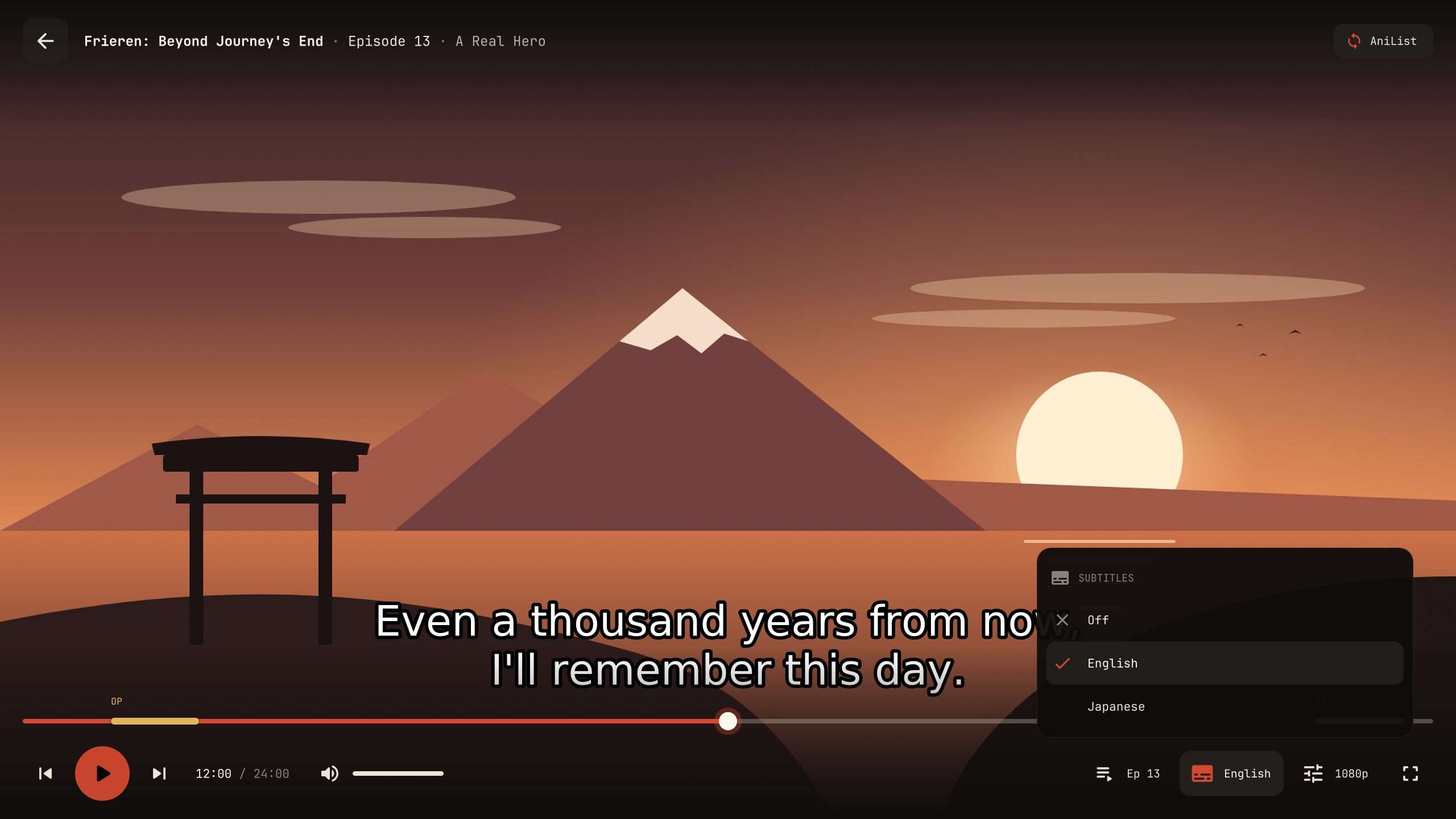
Its own player look with chapter marks and a next-episode card. Your own mpv settings stay as they are.
Skips intros
Openings, endings, recaps and filler episodes, skipped automatically or one key away.
Syncs your list
AniList, MyAnimeList, both, or local only. Your progress updates when the episode ends.
Casts to the TV
Chromecast, DLNA TVs and Kodi, with skips and the next episode still working.
Resumes anywhere
Pick up mid-episode, even on another computer.
Follows your theme
Menus and player take your desktop's colours, from pywal and base16 to KDE, GNOME, macOS and Windows.
How it works
Three steps, then the episode.
- 一
Pick
Your list opens first, with the show you stopped halfway at the top. Or type to search any title.
- 二
Play
otakase finds a working source, picks sub or dub, and opens the episode in mpv where you left it.
- 三
Done
When the credits roll your list is updated, and the next episode is one click away.
The player
mpv, dressed for anime.

The menus
Same otakase on every system.
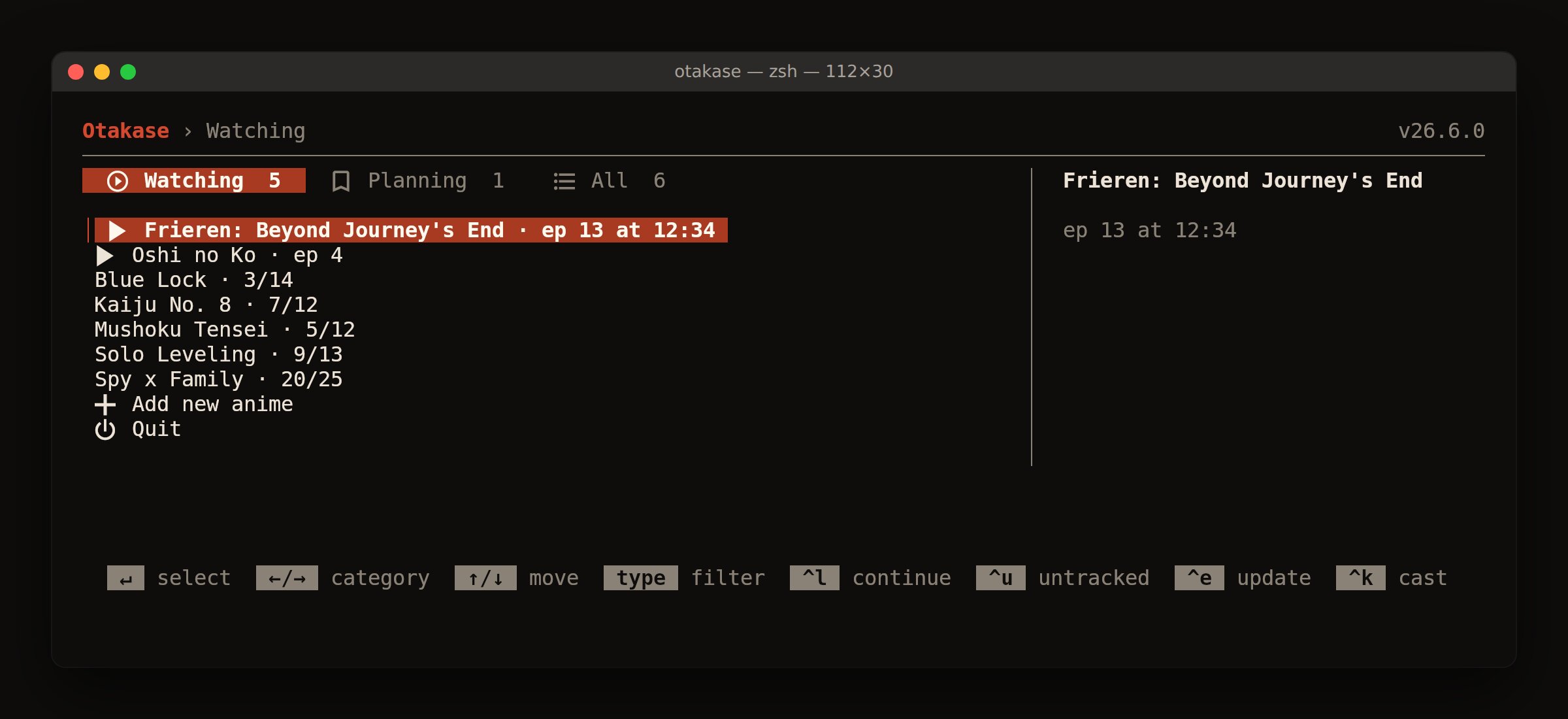
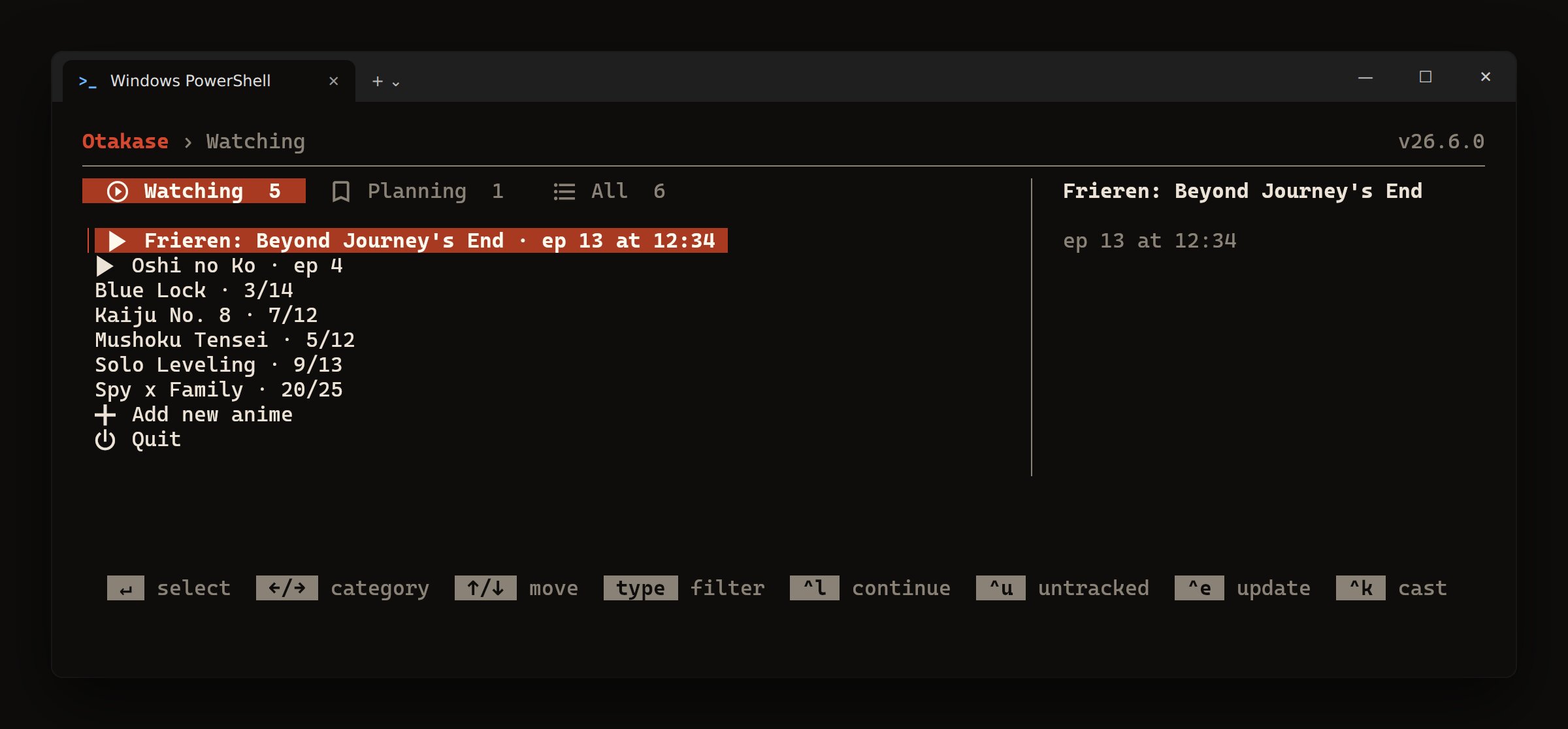
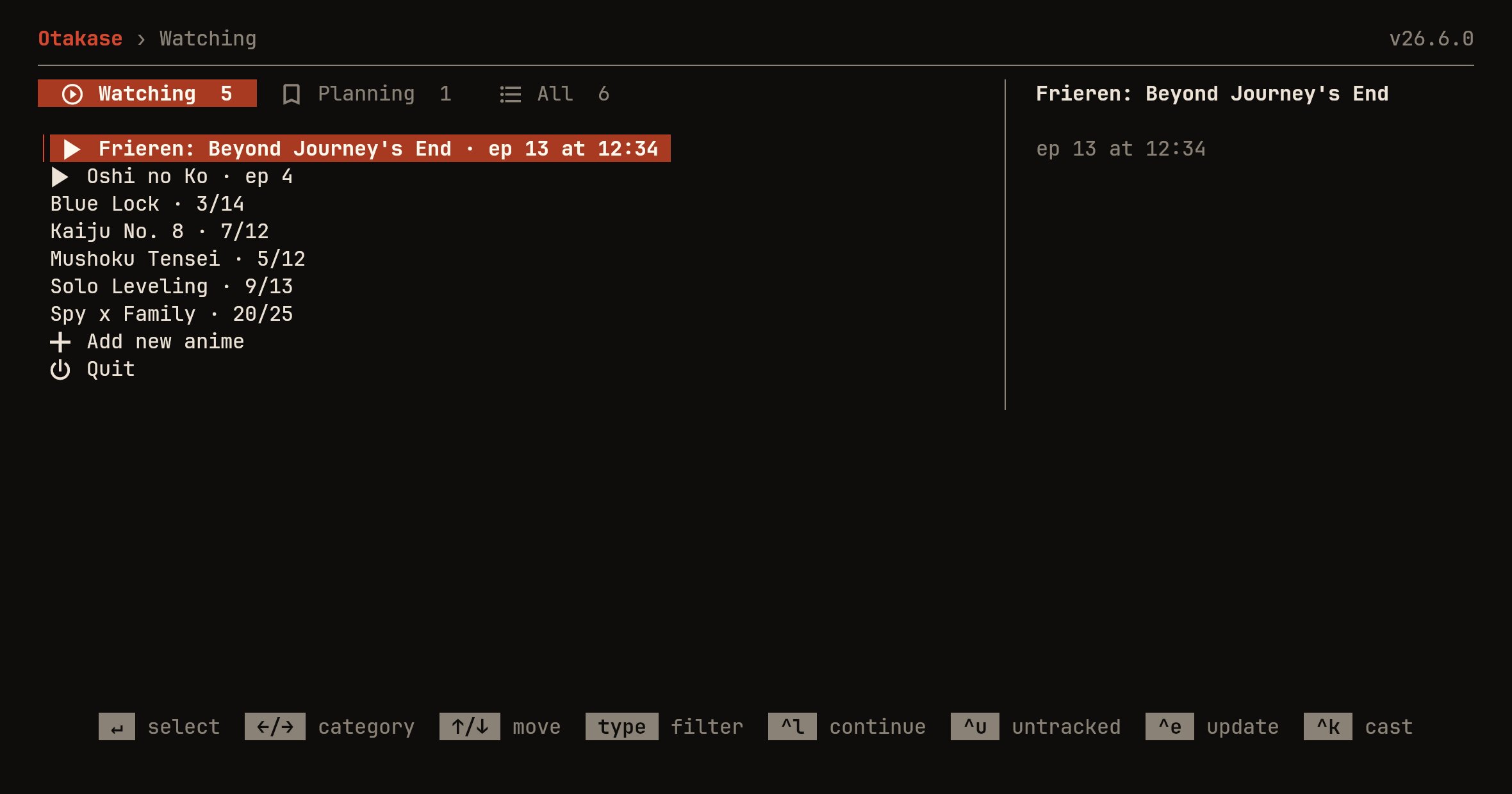
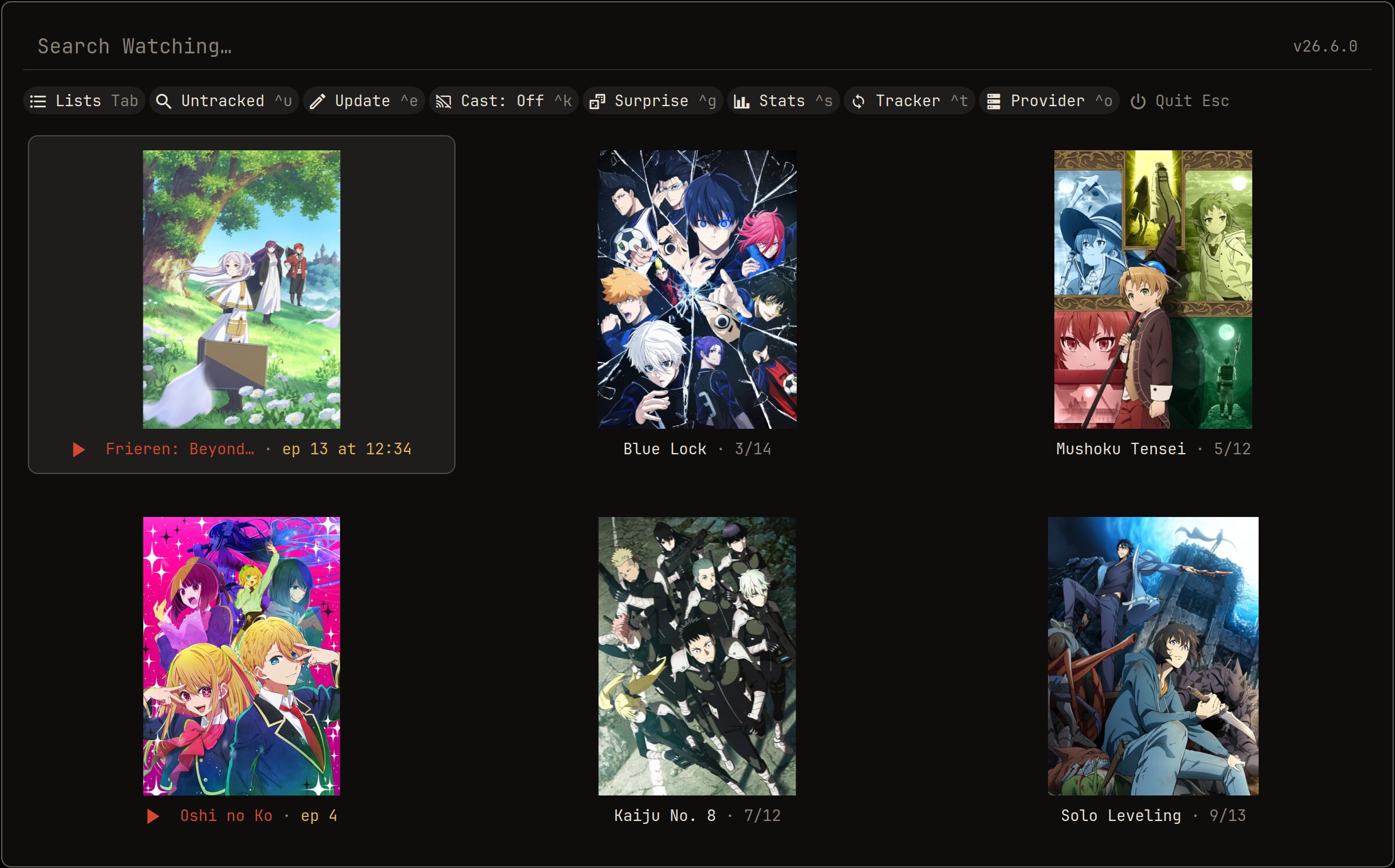
The player above looks the same on all three: it is mpv with otakase's skin.
Casting
Send it to the big screen.
Run otakase -cast and pick the TV. Skips, resume and the next episode keep working, and the terminal becomes the remote.
- Chromecastand Google TV
- Smart TVsover DLNA
- Kodion any box
Colours
Shu by default. Yours if you have one.
otakase ships in Shu, the vermilion of a torii gate. If your desktop has a theme, the menus and the player take its colours instead.
Read from pywal, base16, KDE, GNOME, macOS, Windows or Omarchy, or a colours file of your own.
Questions
Before you ask.
Is it free?
Yes. otakase is open source under the GPL-3.0, with no ads, no accounts of its own and nothing to pay for.
Does otakase host any video?
No. It is a player front end: it finds episodes that are already public on the web and hands them to mpv. Nothing is uploaded or stored by the project.
Do I need an AniList or MyAnimeList account?
No. Pick local tracking on first launch and your progress stays on your computer. You can sign in to AniList, MyAnimeList or both later.
What else do I need?
mpv, which the install commands above bring along. The Windows installer carries its own copy. rofi is optional on Linux.
Can I keep watching on another computer?
Yes. With AniList or MyAnimeList, otakase keeps the minute you stopped at with your list, so another computer picks up mid-episode.
I used curd. Do I lose anything?
No. otakase continues curd, and your settings, sign-ins and history move over on first launch.
Install in a minute.
sudo apt install mpv curl
curl -Lo otakase \
  https://github.com/TheXykril/otakase/releases/latest/download/otakase-linux-x86_64
chmod +x otakase
sudo install -Dm755 otakase /usr/bin/otakase
sudo ln -sf otakase /usr/bin/otk
For ARM64, download otakase-linux-arm64 instead. rofi, libnotify and ffmpeg are optional extras.
sudo pacman -S --needed go git mpv
git clone https://github.com/TheXykril/otakase.git
cd otakase
makepkg -si
Builds with the bundled PKGBUILD so pacman tracks it.
brew install mpv
curl -Lo otakase \
  https://github.com/TheXykril/otakase/releases/latest/download/otakase-macos-universal
chmod +x otakase
sudo mv otakase /usr/local/bin/
sudo ln -sf otakase /usr/local/bin/otk
Paste into Terminal. The universal build runs on Apple Silicon and Intel; otakase-macos-arm64 and otakase-macos-x86_64 are smaller.
winget install TheXykril.OtakasePaste into PowerShell or Windows Terminal. It comes with mpv and adds otakase and otk to your PATH; open a new terminal afterwards.
No winget? Get the installer, or the standalone otakase-windows-x86_64.exe with your own mpv.
Then, on any system
otakase- your list; otk works too
otakase -c- continue where you left off
otakase -cast- play on a TV on your network
More commands
otakase -dub- dub instead of sub, this run
otakase -download -episodes 1-12- save episodes instead (needs ffmpeg)
otakase -e- edit your settings
otakase -u- update to the latest release
Coming from curd? Your settings, sign-ins and history move over on first launch.